5 updates for Enterprise: stream health, speaker Q&A, and localized events

<p class="">Giorgio manages Product at Vimeo Enterprise.</p>
Giorgio Dal Zotto
Enterprise release: October update

The October update for Vimeo Enterprise is now live! Here’s everything that’s new.

1. Live events

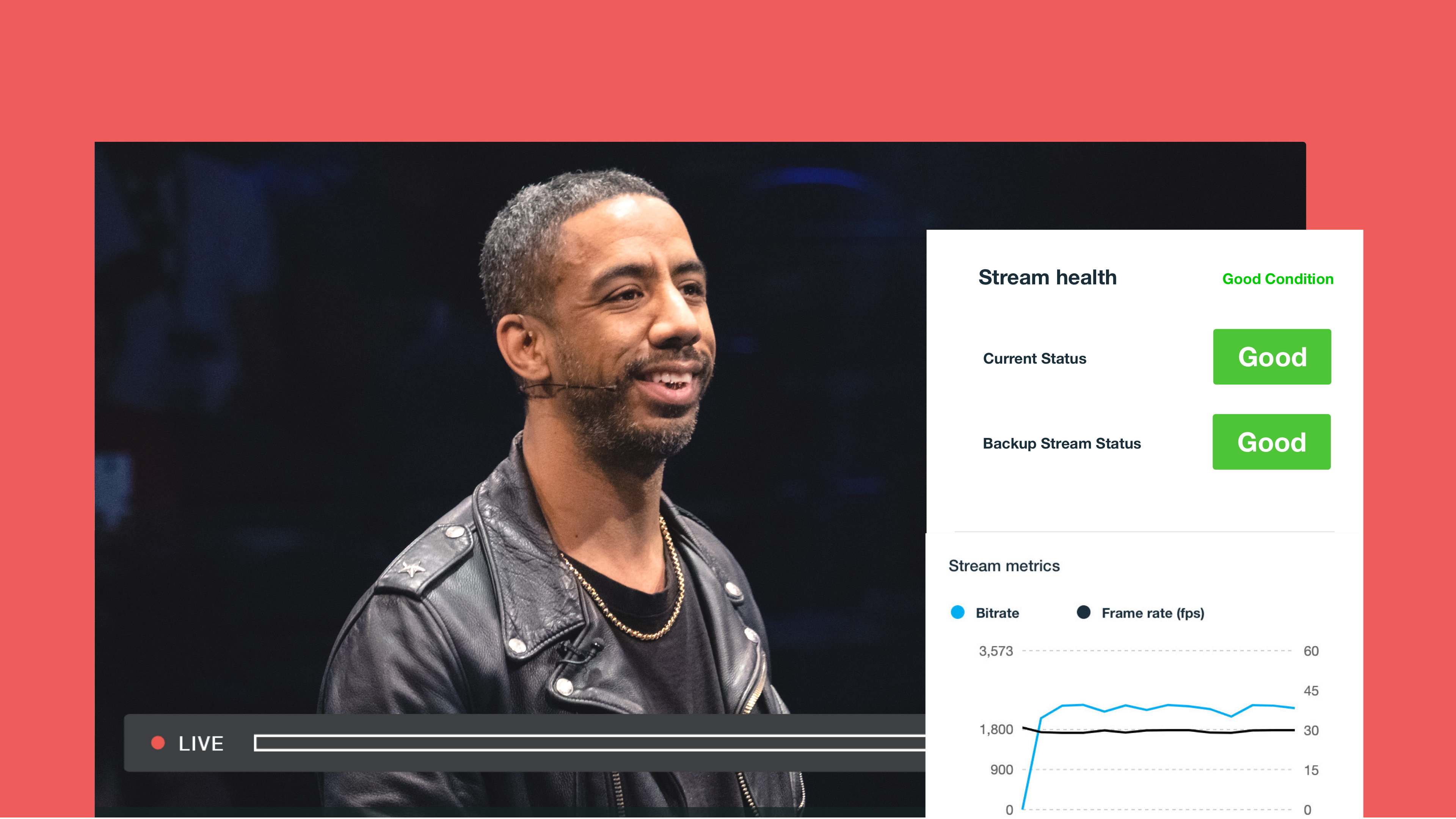
Stream health for browser-based events

Check your stream’s health before and during events run from your browser
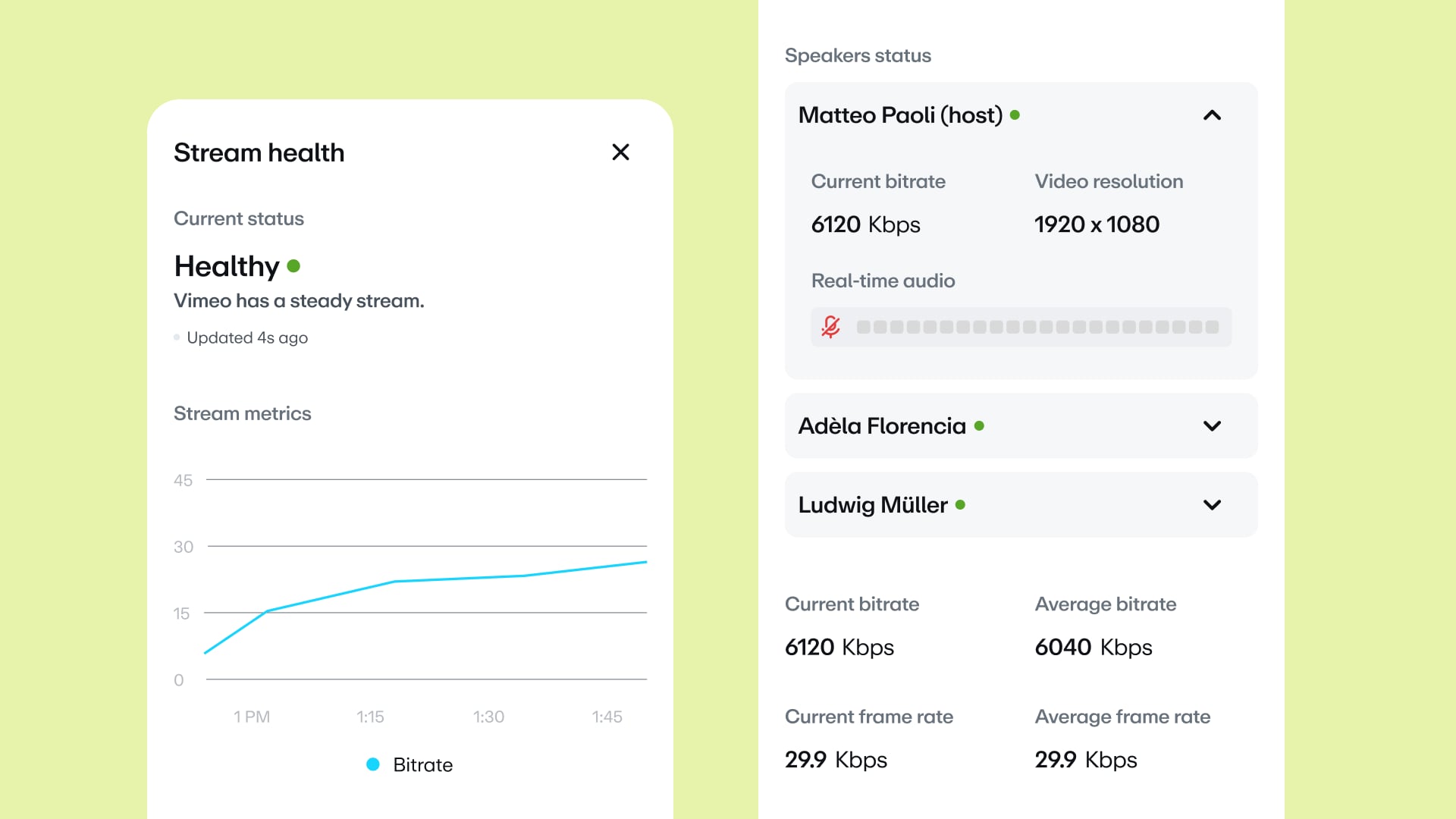
Stream health for Browser Studio events

Q&A replies from speakers

Let your speakers answer audience questions directly
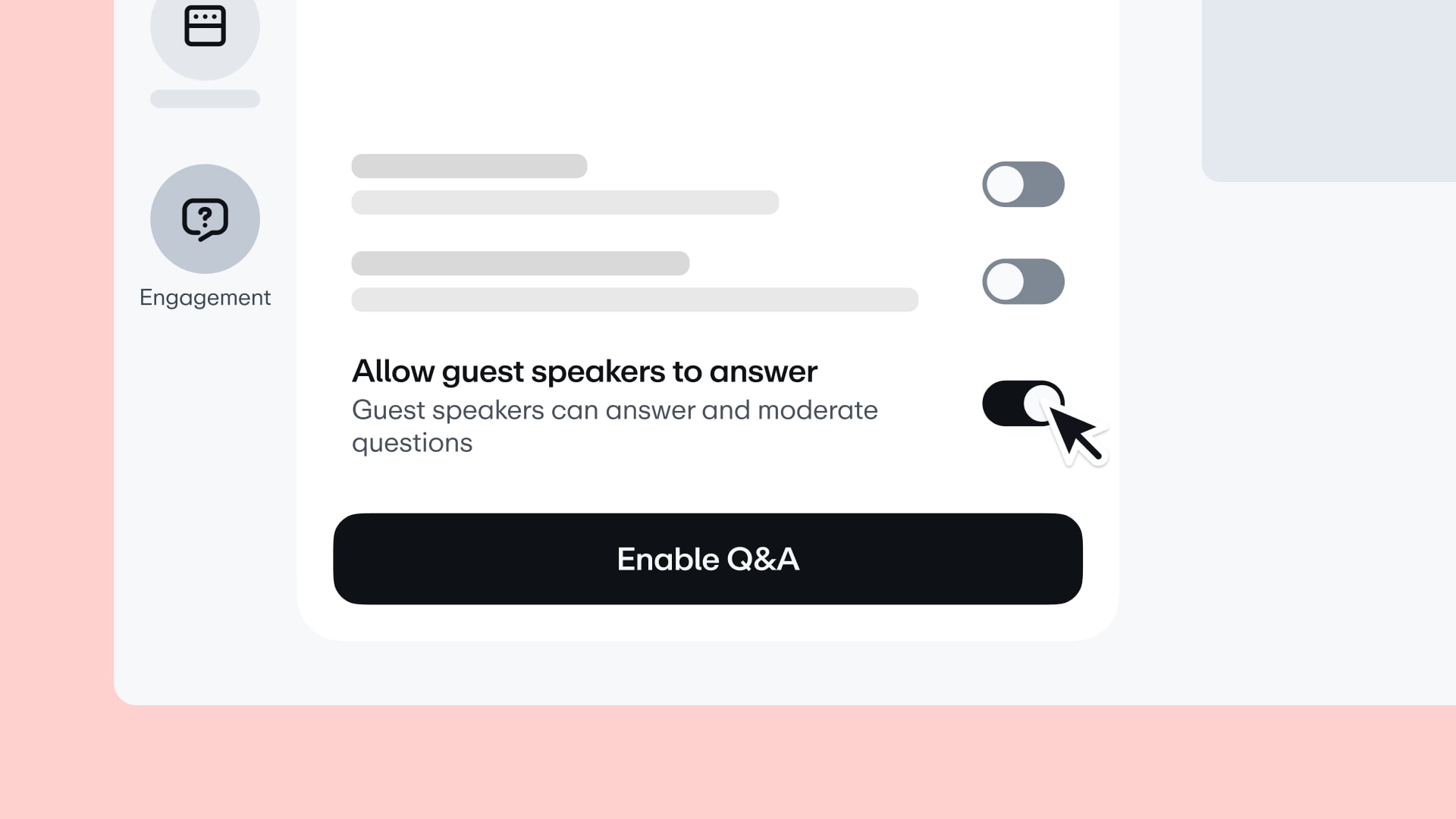
Q&A replies from speakers

2. Webinars

Localized emails for webinar registrations

Invite attendees in their own language, without creating multiple events
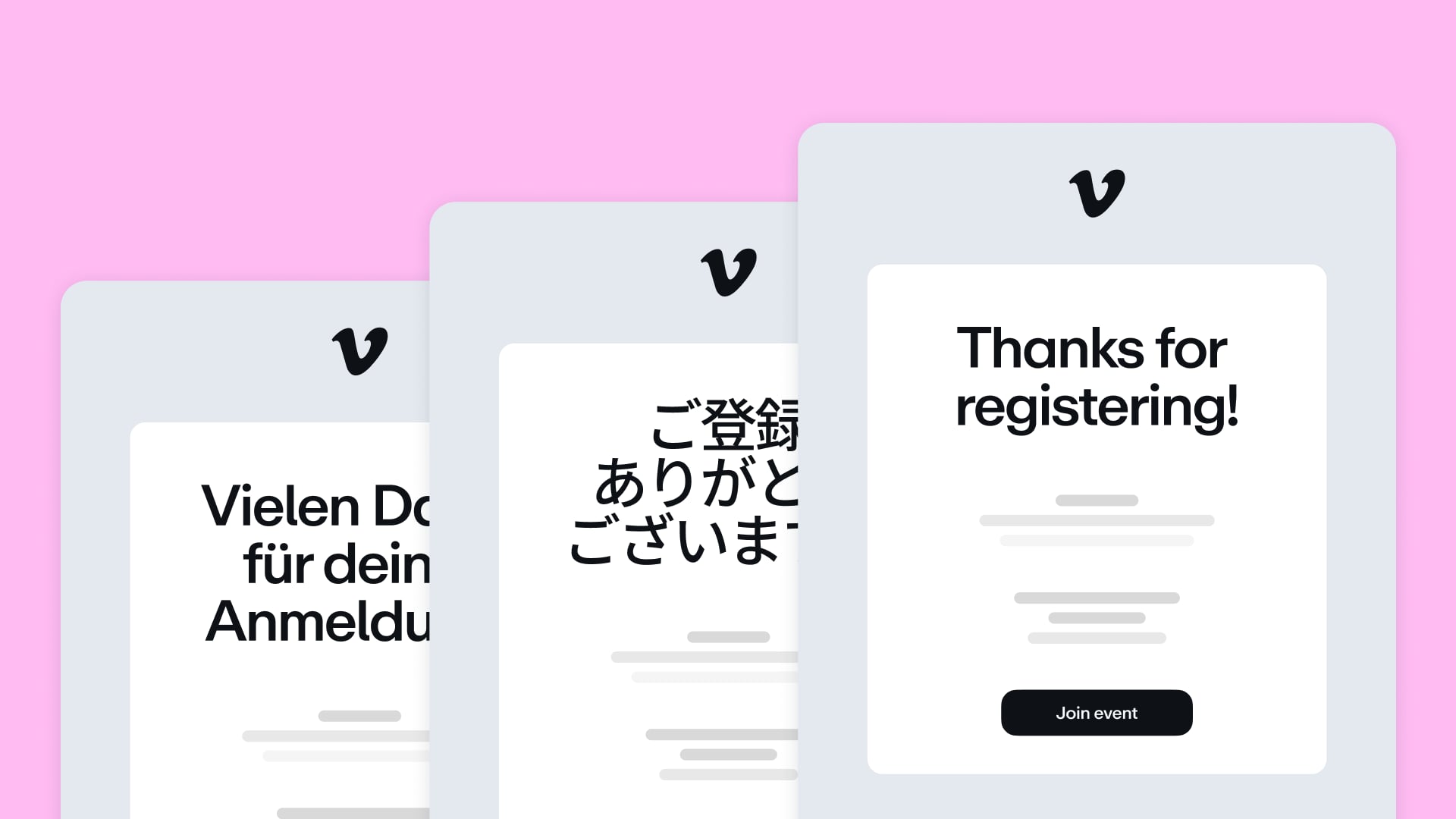
Localized emails for webinar registrations

Localized event landing pages

Translate your event page into each viewer’s language
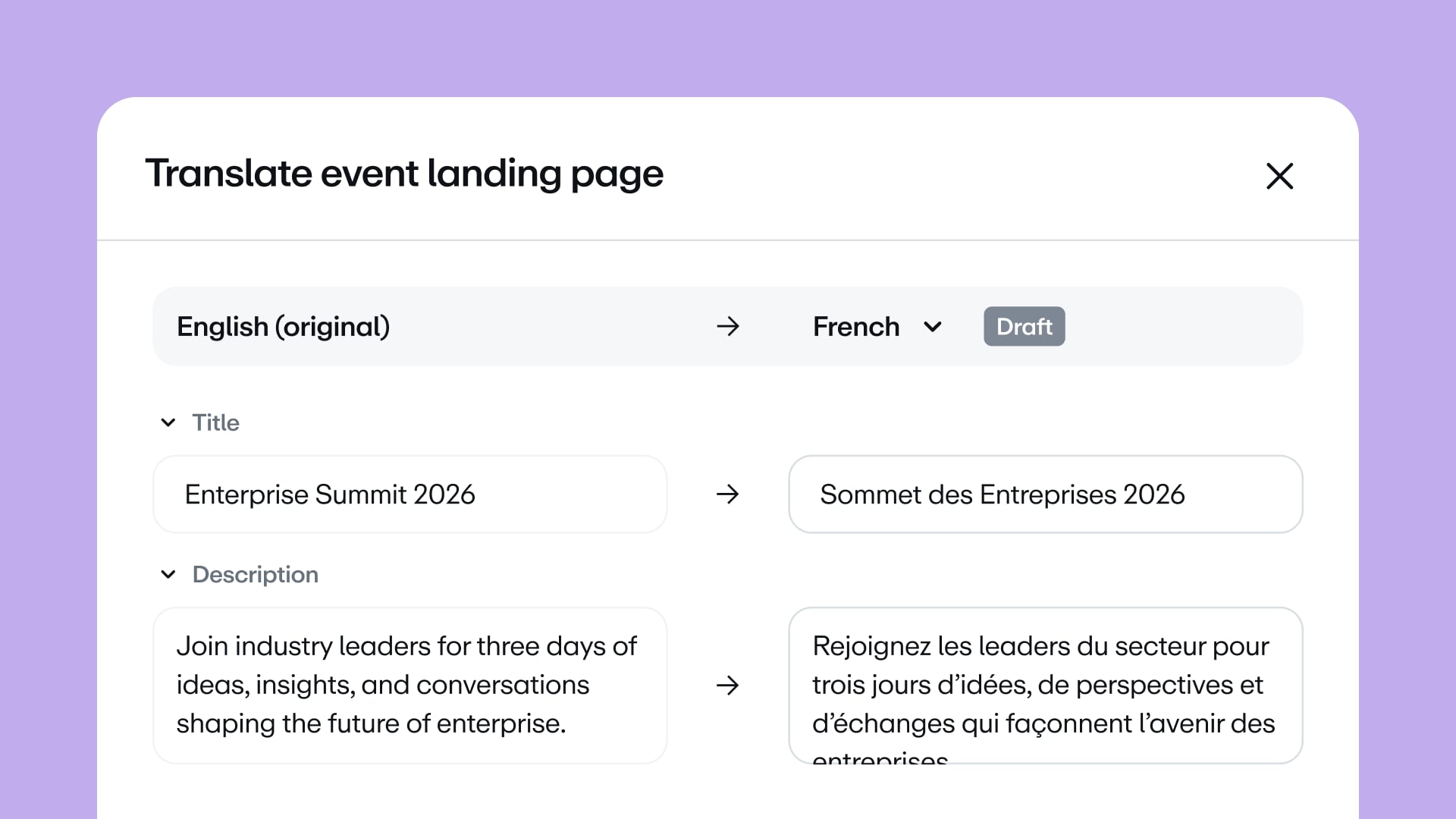
Localized event landing pages

3. Governance

Workspace and team Defaults and Presets

Manage upload defaults and presets from their own sections in settings
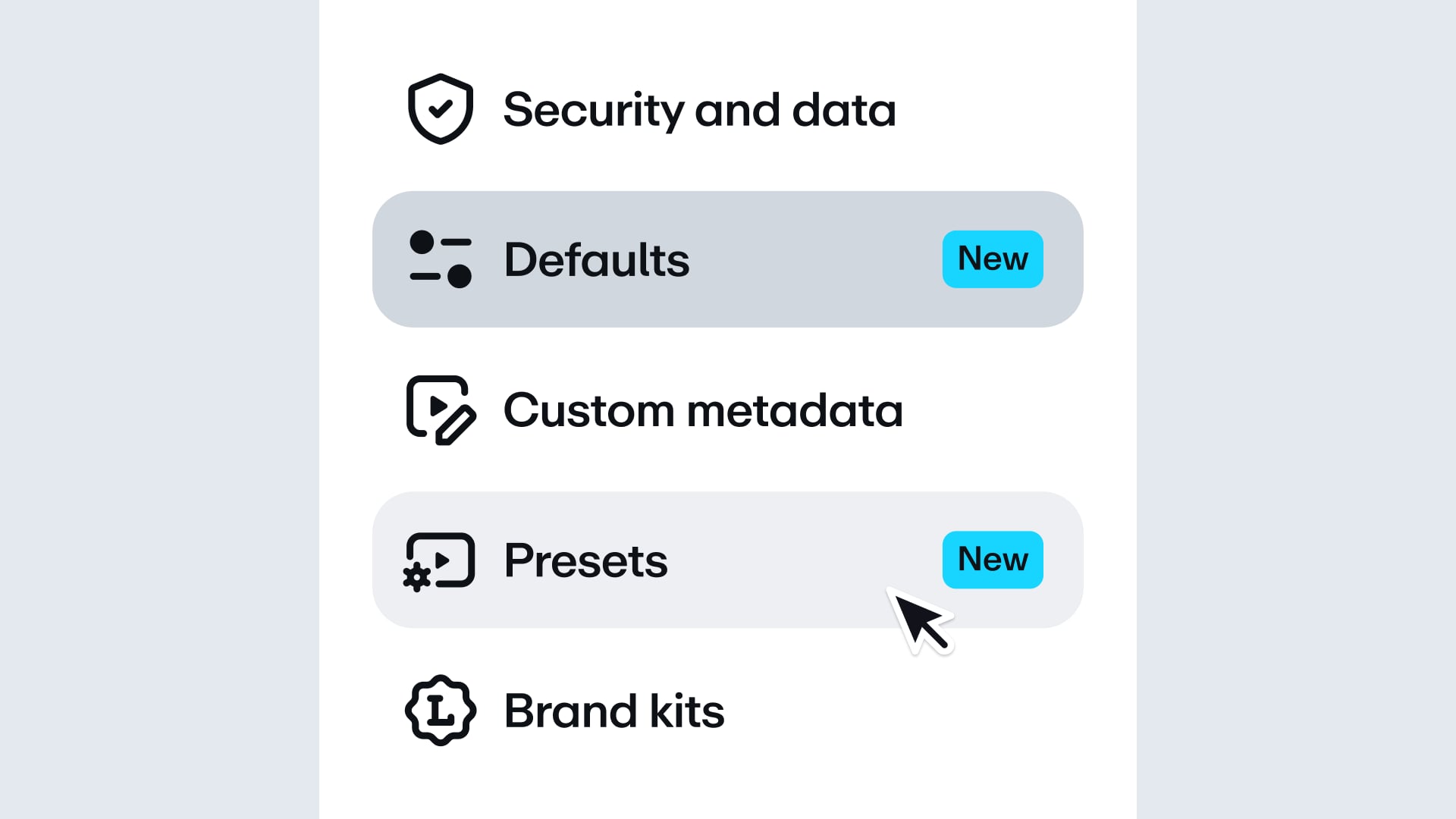
Workspace and team Defaults and Presets

If you’re not sure which features you have access to, feel free to reach out to your account manager.

Stay tuned,

Giorgio

More from the Vimeo blog

10 updates for Vimeo Enterprise: AI search, AI analytics, and custom event pages

10 updates for Vimeo Enterprise: AI search, AI analytics, and custom event pages

10 new updates for Vimeo Enterprise: Magic links, clearer AI credits, and more…

10 new updates for Vimeo Enterprise: Magic links, clearer AI credits, and more…

10 improvements to Live events

10 improvements to Live events

 2:58 PM Vimeo's webinar interface showing registration management, email customization, and event templates.

Webinar promotion examples: Attract more viewers to your next event

Creating a webinar on Vimeo's platform

Running a successful webinar: Best practices from setup to follow-up

A woman recording a webinar on the Vimeo video platform

DIY webinar production: Steps for great results plus essential tech

With live streaming, every second counts. That’s why we’re providing you with a set of features to help you keep your cool while running your event.

Stream without the stress

Learn how to live stream a conference or virtual event in a few easy steps. It isn’t as hard as you might think — as long as you have the right tools and plan ahead.

How to stream a conference: Everything you need to know