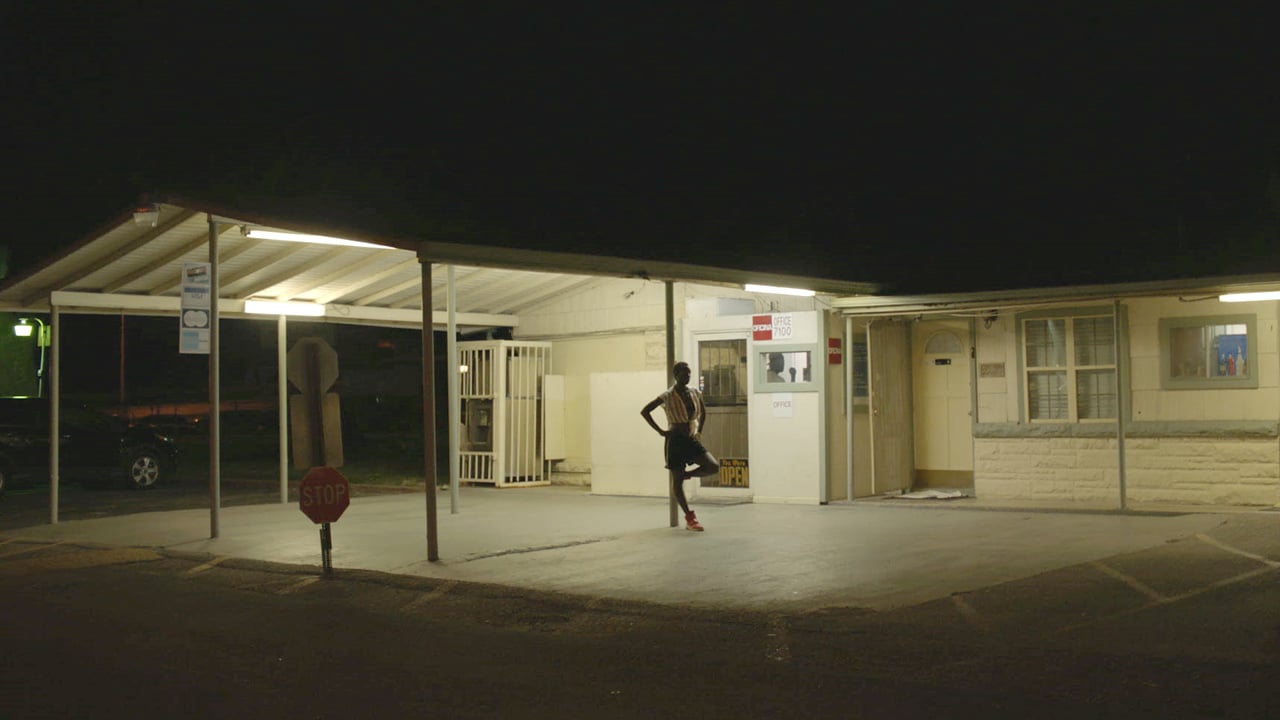
In recent years mirrorless cameras have made huge strides in shooting at night — or low light conditions. Between the improved sensitivity of camera sensors, to new noise reduction softwares, you can shoot some pretty incredible videos at night. Don’t believe us? The video below was made using a Sony A7s, and nothing but moonlight (and some denoising software).
Inspiration and new-and-improved technology aside, we’re serving up some tried and true best practices to get that perfect low light shot.
Use low F-stops
You want to choose lenses that give you low f-stop. Why? Because, the lower the F-stop the wider your aperture will be, meaning more light will hit your sensor. Choose the right white balance
You want to stay true to the look the light is giving you — dusk can give you some nice bluish tints that really indicate that it’s dusk. If your white balance is off a little, it will give your image a different color tint and may look a little weird. Of course, you may like that weird look, so it’s up to you.Bump up your ISO
Exactly how far you can push your ISO will depend on which camera you’re using, but in general, if you have a full frame camera, you can push it up to around 3200 ISO without your image being super super noisy. Some cameras, like the Sony A7s can go further. With a cropped sensor, you can usually push it up to about 1600 ISO. If you bump your ISO to these respective settings and you still can’t get a good image, you call always go higher, but your image will become more noisy. There’s no formula to it, so experiment a little! Go out at night and shoot video with different high ISOs to see the difference. More Video School lessons
Once your video is shot, discover advanced tools for video creation, editing, hosting, and analytics. Enhance your content by adding music, resizing videos, and more to create, share, and manage your projects seamlessly.