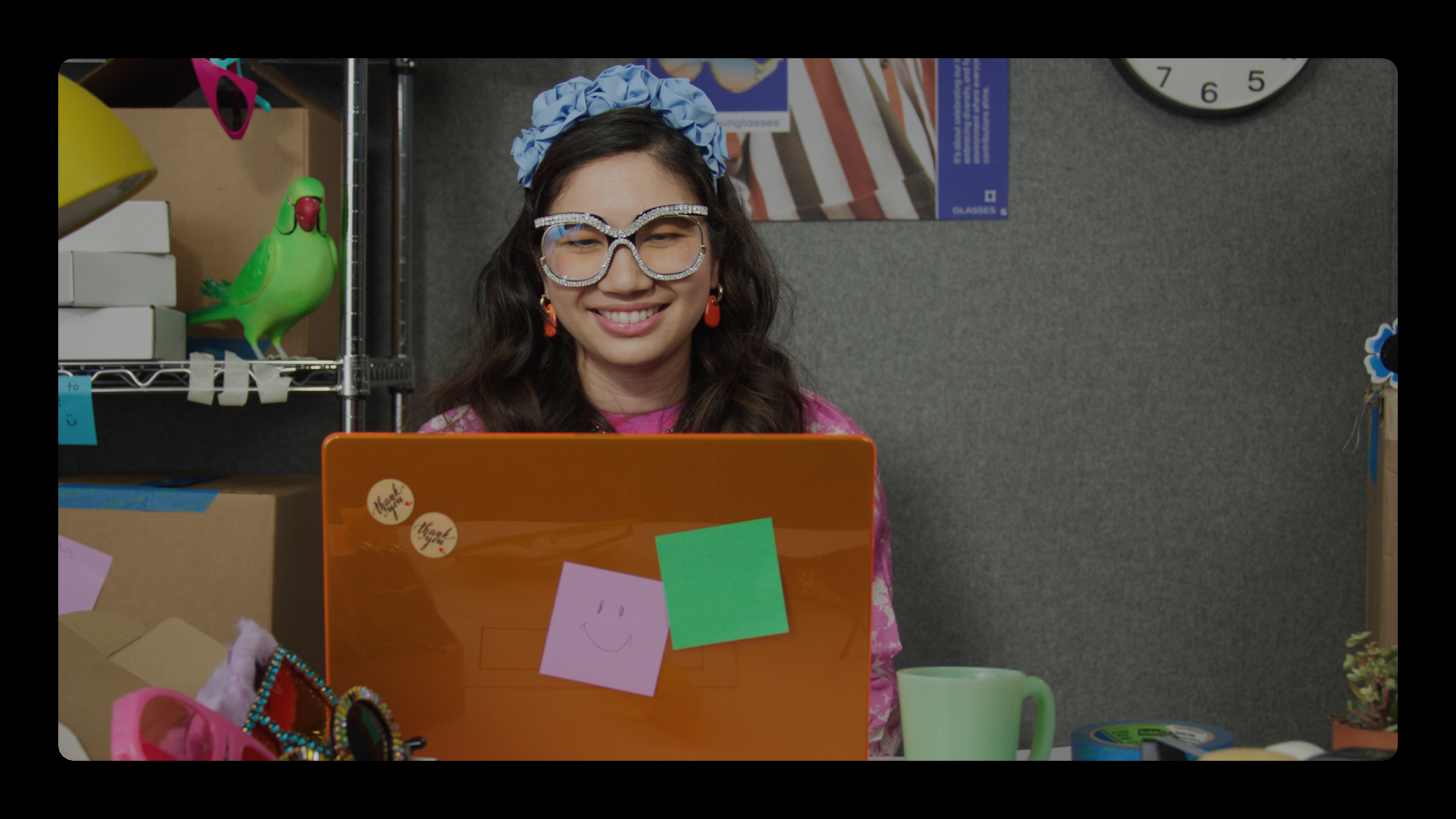
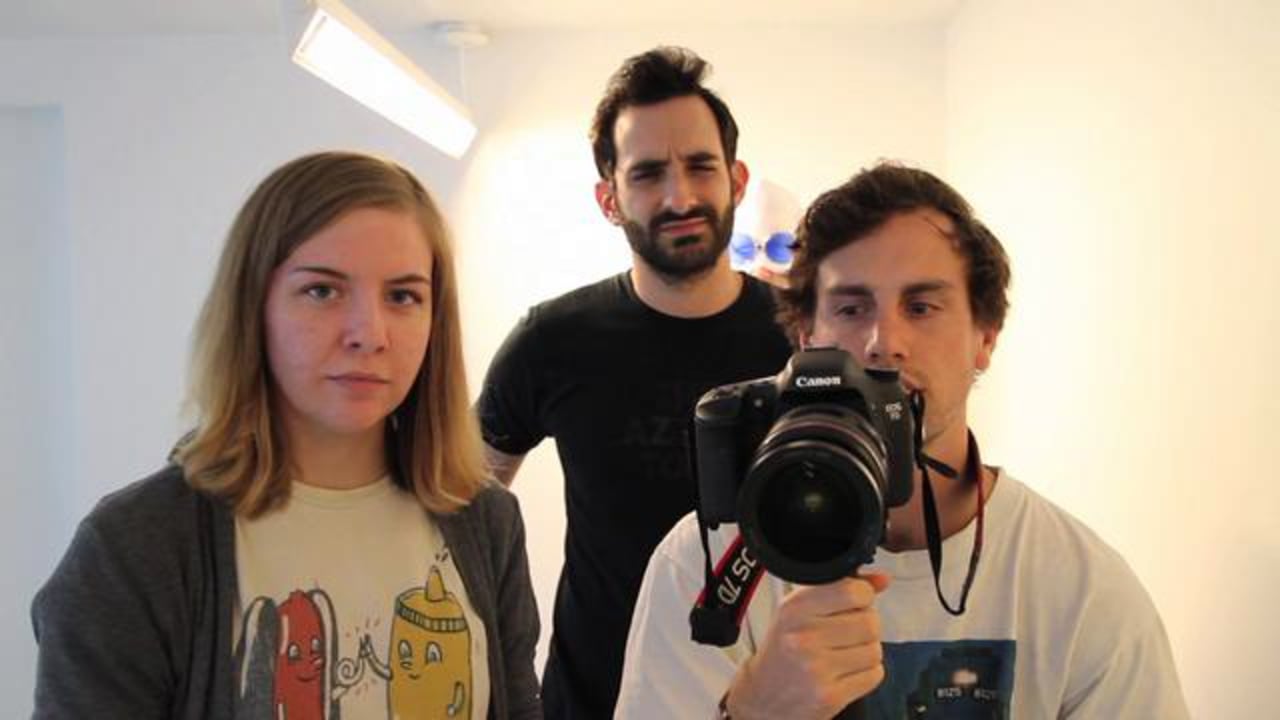
It behooves us to admit that we’ve improperly thrown around the word “zoom” on more than one occasion. Okay, more than a handful of occasions. Alright, fine! I do it all the time! The truth is, it can be tricky to articulate the difference between a zoom and a camera movement. Luckily, today we’re going to sort it out.
Magnification vs. Movement
Moving camera shots, such as a dolly or tracking shot, physically advance or change the position of the camera. A zoom lens, however, makes the subject larger or smaller within the frame simply by shifting the lens elements inside to change focal lengths. This magnifies the view of the subject while the camera itself remains stationary.How do I tell the difference?
In a zoom shot, as the subject gets bigger within the frame, the spacial relationship between the subject and the objects or people around the subject will not change. This is the first technique used by the crew in the video above. It looks artificial because there is no shift in perspective. However, when there is a movement of the camera, the relative position of everything within the frame changes constantly. The crew tried this method second, and were more pleased with the results. This method replicates closely our expectations of movement. For this reason, most motion pictures favor a tracking shot over zoom.Zooms and dollies can coexist
You know that wonderfully tense moment in Jaws when police chief Martin Brody is anxiously perched in a beach chair, eyes fixed on the ocean, waiting in agony for the next shark attack? He is certain that he has seen something monstrous in the water, and in that moment when his blood runs cold, the camera uses a very interesting trick to intensify the experience for the viewer. In these cinematic situations of suspense or fear, a zoom paired with strategic camera movement can create a dramatic effect. The subject in the foreground stays a consistent size within the frame, but the background grows bigger and bigger. The unnaturalness of a shot like this is a powerful mood enhancing tool. The Vimeo crew tried this method last and liked it best for their video. While the growing background is perfect for expressing a negative emotion, the trick can be reversed, creating a background which recedes. This shrinking background is perfect for positive moments of realization or clarity.What’s the trick?
In order to get the background to grow, a zoom lens is used to shift between a short focal length and a long focal length. The problem is that the foreground also grows. So, to offset this, the camera must move as it zooms to compensate for the magnification, keeping the foreground subject at a stable size within the shot. Like this Maciej Siemieniuch video, above.
More Video School lessons
Vimeo offers advanced features such as an AI-powered script writer, intuitive video prompting tool, AI caption creator, and video translator tool to enhance your workflow.